
New · Google DeepMind Flash image model

Nano Banana 2.1 AI Image Generator

Nano Banana 2.1 is Google's newest Flash image model, with cleaner layouts, steadier subjects and more lifelike photos than Nano Banana 2. Try it on a single prompt, then roll the same look out across variations, CSV rows or product shots in PixBulk.

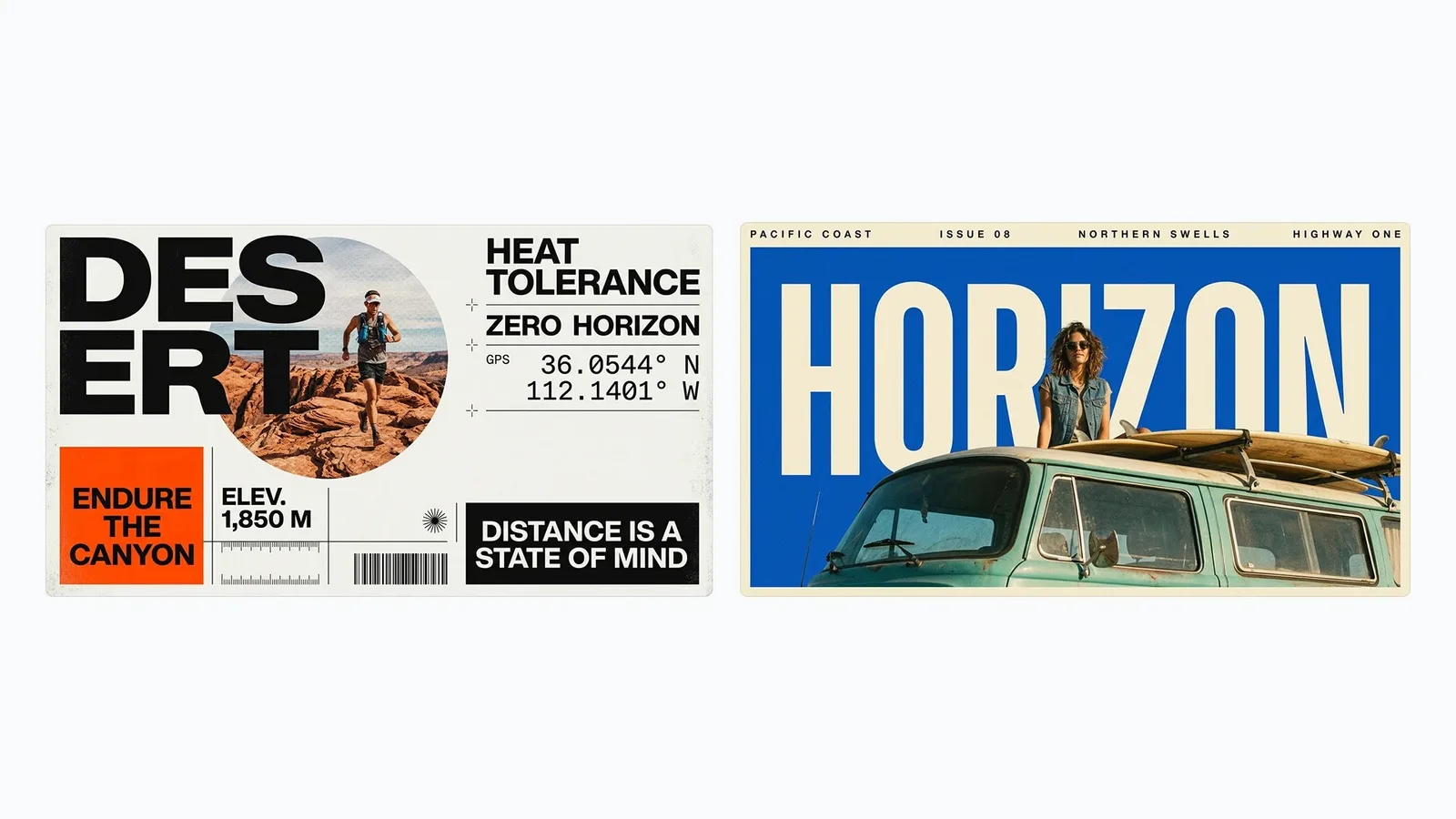
Official Nano Banana 2.1 example of two editorial travel posters with dense, aligned typography
Official Nano Banana 2.1 example from Google DeepMind: editorial posters with disciplined grids and type.

Create with Nano Banana 2.1

Nano Banana 2.1 is selected by default. Create one image from a prompt and optional references here, or open the batch workspace when you need Variations, CSV, or Products.

Loading the image generator…

Overview

Why Nano Banana 2.1 matters for production work

Nano Banana 2.1 is the October 2026 refresh of Nano Banana 2 (Gemini 3.1 Flash Image). It keeps the speed and price of Google's Flash tier while closing much of the quality gap to heavier image models.

Google highlights four areas of improvement in Nano Banana 2.1: design-grade layouts, mask-based editing, consistency of people and objects across references, and a more natural photographic finish. The developer notes add sharper text, more accurate infographic structure, steadier characters through multi-turn edits and a fix for tiling seams in extreme panoramic ratios at 2K and 4K.

Those gains matter most when one brief has to become many images. A model that holds a grid, a type style or a product's shape more reliably means fewer rejects per batch. PixBulk offers Nano Banana 2.1 with prompt input, up to five reference images, seven aspect ratios and 1K, 2K or 4K output, in both the single generator and the batch workspace.

Developer
Google DeepMind
Model ID
gemini-nano-banana-2.1
Output resolution
1K / 2K / 4K
Reference images
Supported, up to 5
Credits per image
5–8
Aspect ratios
1:1, 2:3, 3:2, 3:4, 4:3, 9:16, 16:9

What Nano Banana 2.1 does better

Every example below is an official Nano Banana 2.1 image published by Google DeepMind, chosen because it makes one upgrade easy to see.

Layouts that read like real design

Grids, margins and typographic hierarchy hold together instead of drifting into a generic template. Nano Banana 2.1 keeps bold display type, small captions and empty space where a designer would put them — useful when a batch of posters or social tiles has to share one visual system.
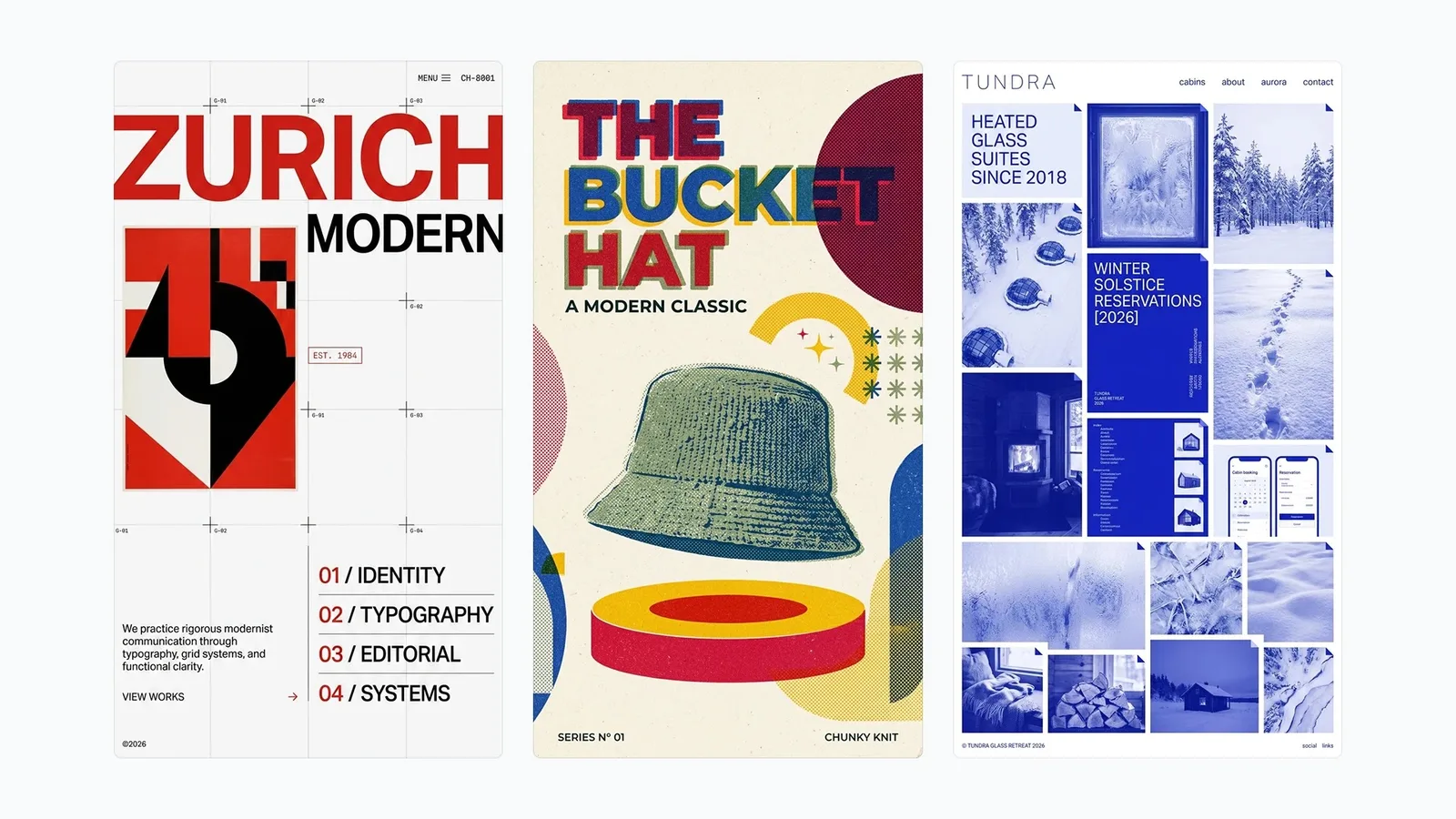
Official Nano Banana 2.1 example of Swiss-style editorial layouts with bold type on strict grids

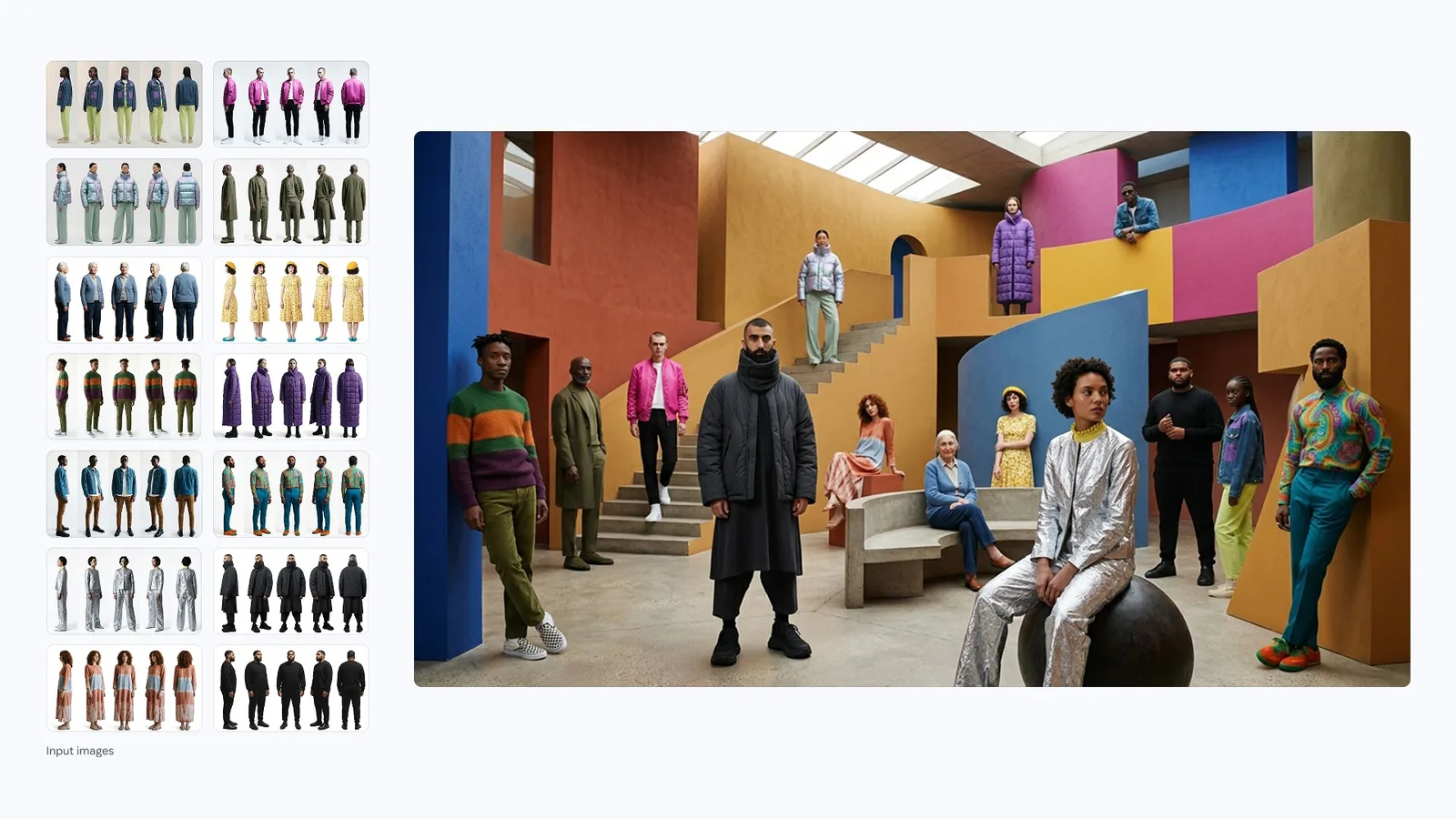
Consistent people and products across references

Supply several outfits, faces or products and Nano Banana 2.1 keeps each one recognizable when they appear together. Google documents up to four characters and ten objects per request in the API; PixBulk accepts up to five references per run.

Official Nano Banana 2.1 example staging models from a grid of reference outfits in one geometric set

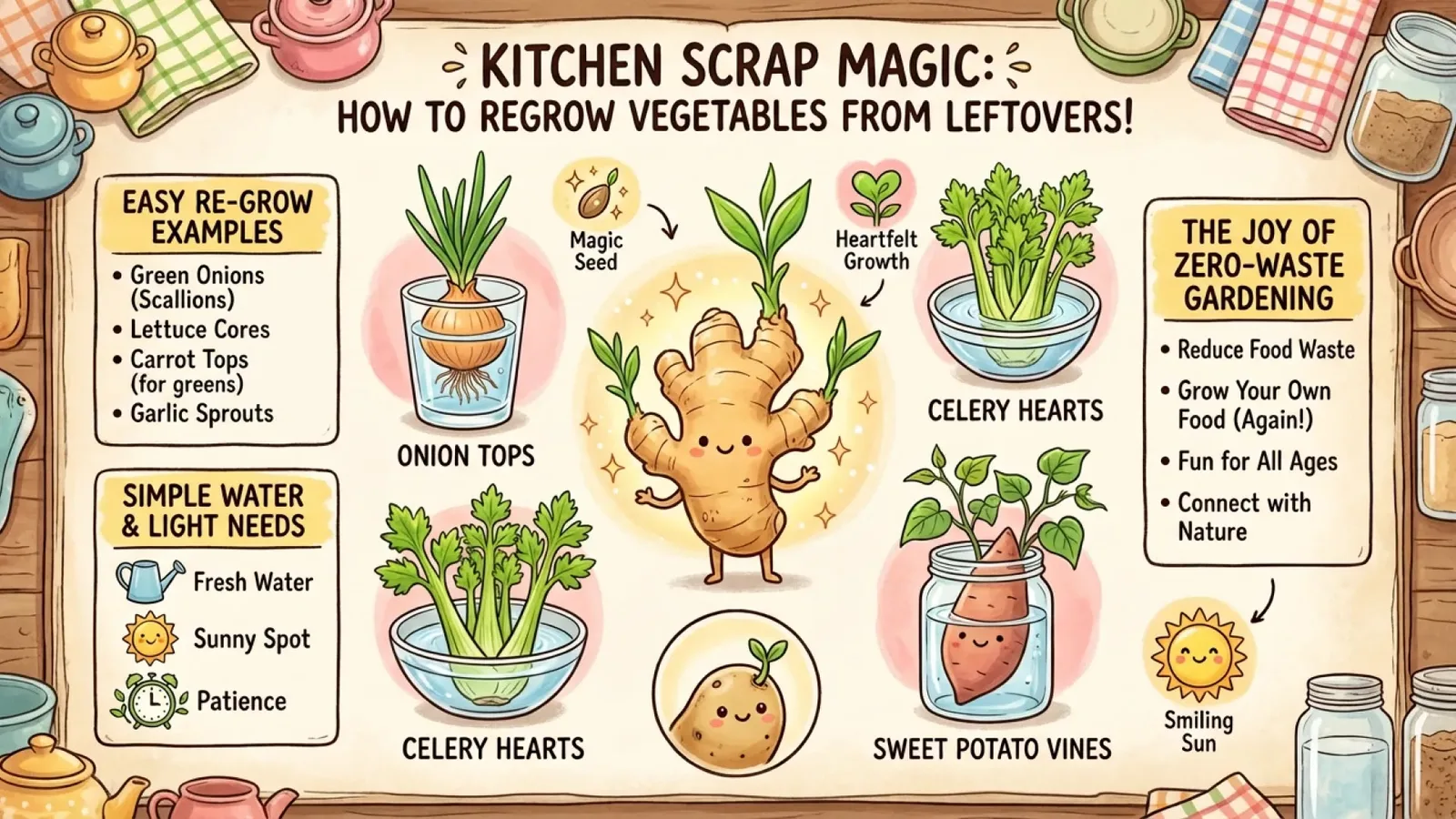
Cleaner text and infographic structure

Headings, labels and numbered sections land in a logical reading order with fewer spelling slips, so explainers and how-to graphics made with Nano Banana 2.1 need lighter proofreading.

Official Nano Banana 2.1 illustrated infographic on regrowing vegetables from kitchen scraps

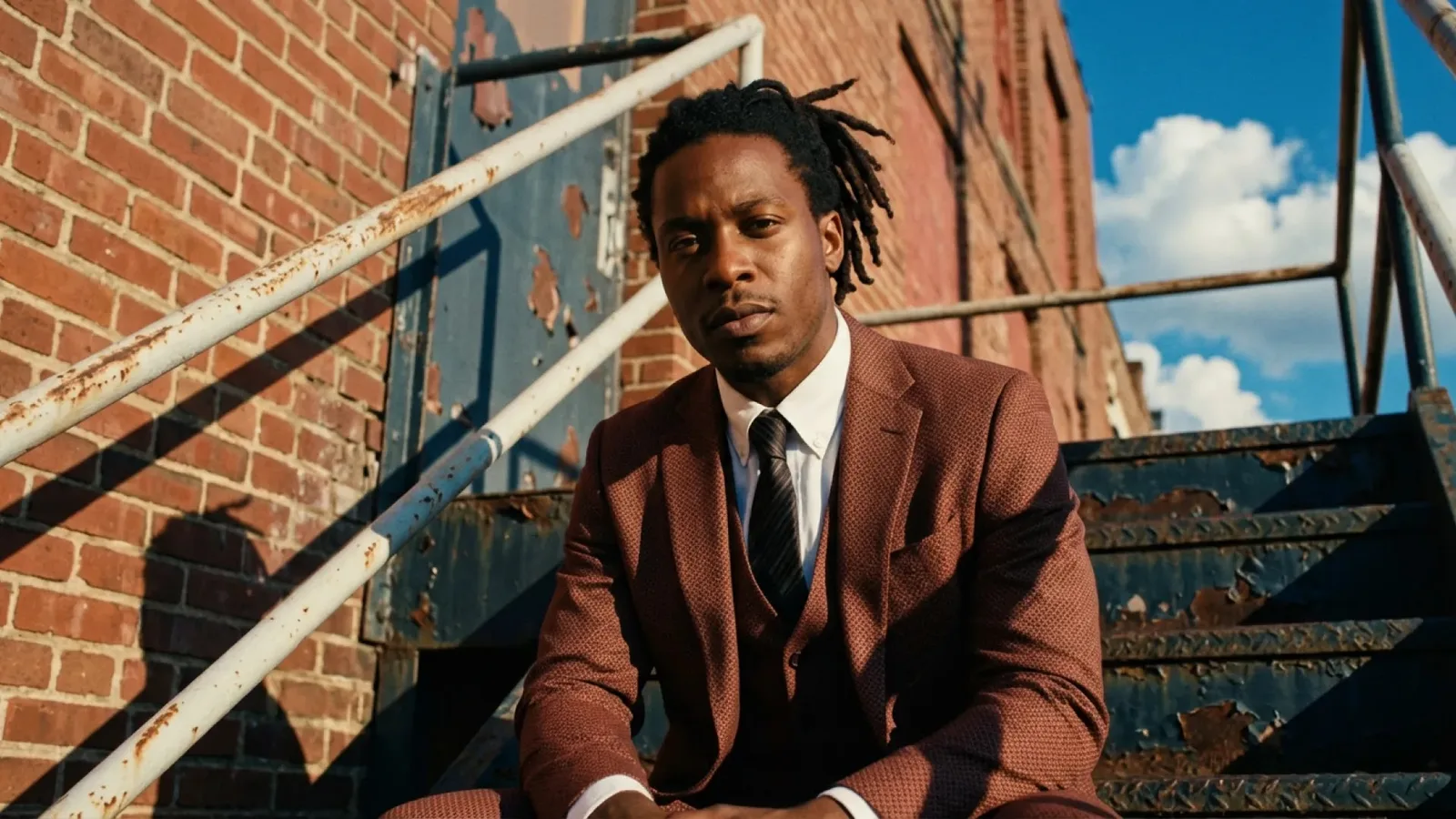
Photos that look less synthetic

Skin texture, fabric weave and directional light come out closer to a real camera. Portraits and lifestyle shots from Nano Banana 2.1 need less retouching before they go into a campaign.

Official Nano Banana 2.1 photorealistic portrait of a man in a textured suit on industrial stairs

Restage a product without losing its details

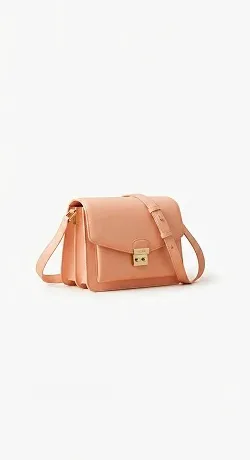
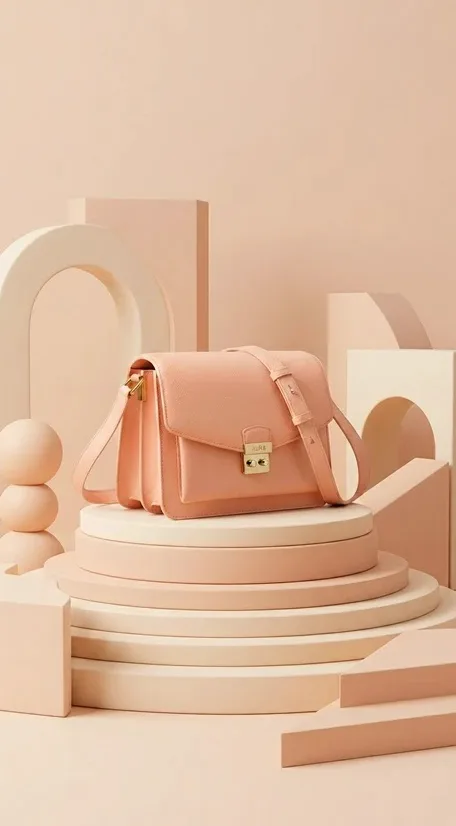
Nano Banana 2.1 edits as well as it generates. Here a flat catalog photo of a shoulder bag becomes a styled studio scene while the strap, clasp, stitching and leather tone stay faithful — the same approach scales across a catalog with PixBulk's Products batch.

Plain catalog photo of a peach leather shoulder bag before a Nano Banana 2.1 edit
Original catalog photo
Nano Banana 2.1 edit placing the same peach shoulder bag on a tiered cream plinth with geometric shapes
Restaged with Nano Banana 2.1
Edit prompt

Use the uploaded bag as the hero product. Set it on a tiered cream plinth among soft arches and spheres in a peach monochrome studio. Do not change the bag's silhouette, strap, gold hardware, stitching or leather color. Soft diffused light, vertical composition for a product page.

Where Nano Banana 2.1 fits in a bulk workflow

Pair the model with PixBulk's batch tools when one creative direction has to become many consistent images.

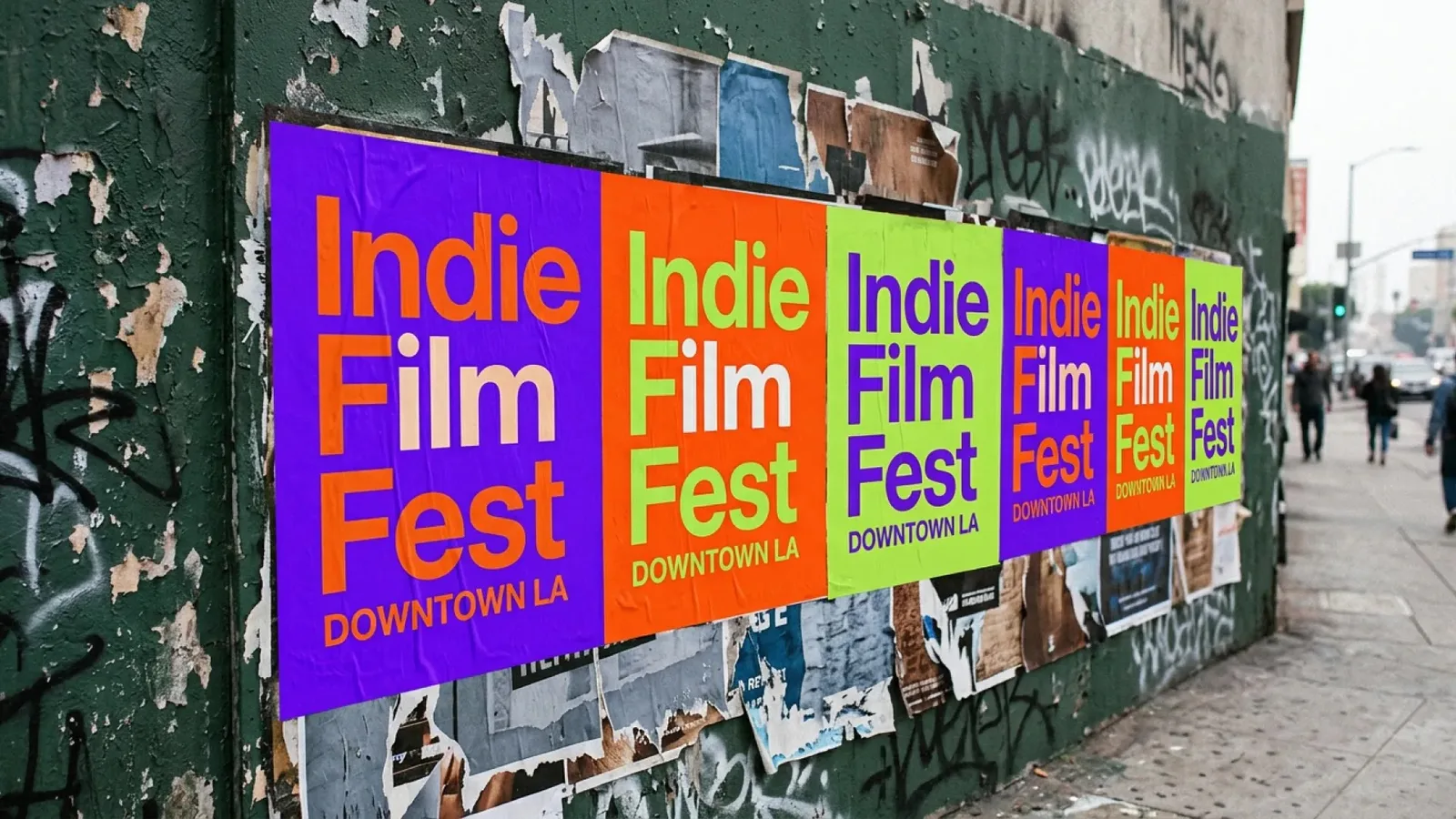
Official Nano Banana 2.1 example of repeated film festival posters pasted along a city wall

Campaign posters in every size

Fix the headline, dates and palette in one prompt, then produce the set in 9:16, 1:1 and 16:9 with Variations. Put exact copy in quotation marks so every version carries the same words.

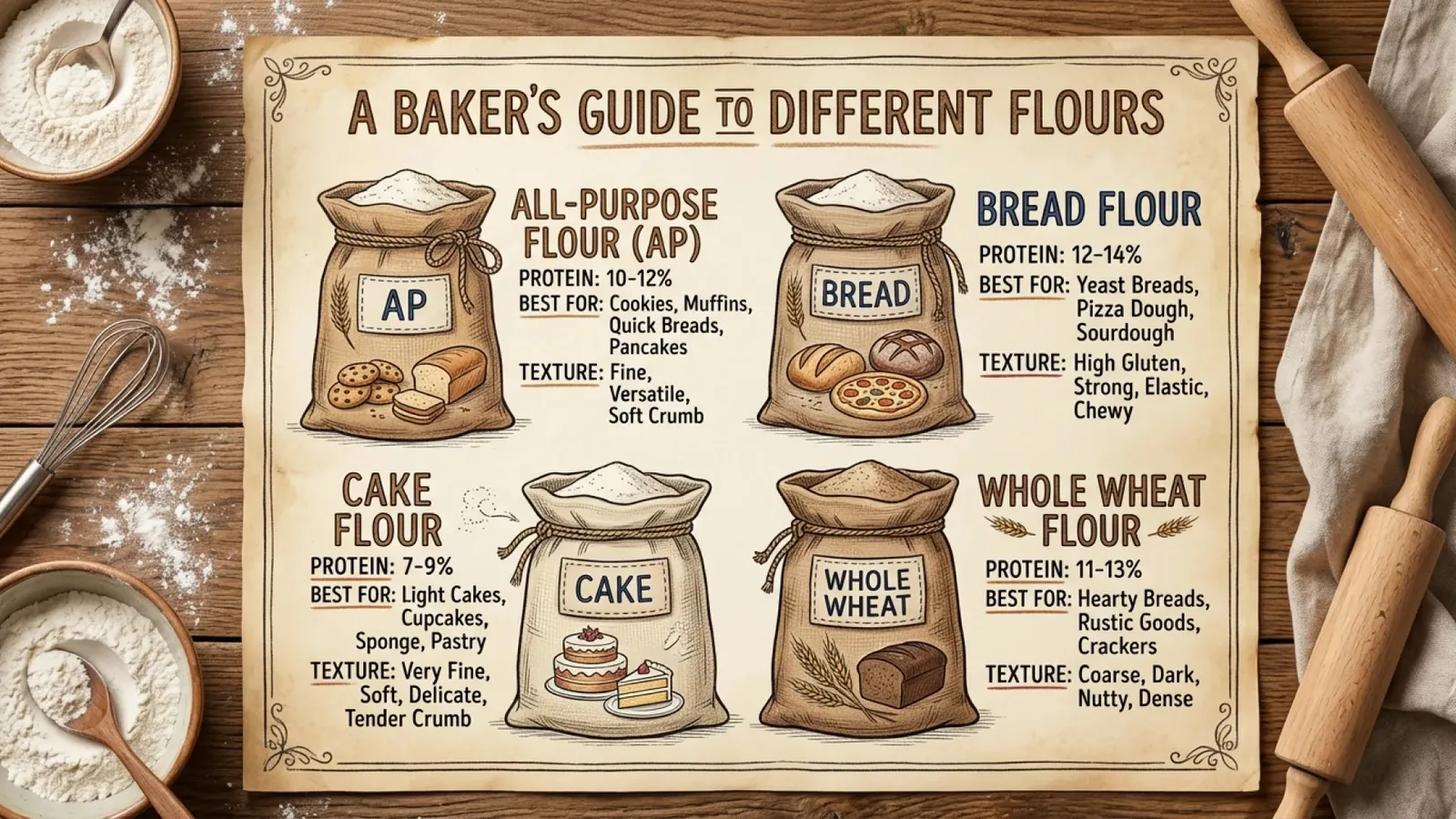
Official Nano Banana 2.1 infographic comparing baking flours with labeled sacks

Explainers and guide graphics at scale

Upload a CSV with one topic per row to turn out a series of illustrated guides that share one layout and style. Check facts and labels before publishing.

Official Nano Banana 2.1 example of a birthday greeting card with bold yellow lettering

Cards, invitations and printed mockups

Design greeting cards, invitations or packaging fronts with hand-lettered type, then render them as photographed objects for store listings and previews.

How to prompt Nano Banana 2.1

Write the prompt like a creative brief. Put the fixed elements first so they stay the same across a batch, and the parts you want to change last.

Brief structure

Asset type and channel + canvas and grid + subject + what each reference controls + exact copy in quotes + type, palette and lighting + what must not change.

Example: one row of a poster batch

Square 1:1 event tile for Instagram. Two-column Swiss grid, headline "NIGHT MARKET" set large in a heavy grotesque at top left; date "OCT 24" small and right-aligned. Flat teal and coral duotone with a halftone photo of lanterns filling the lower half. Paper grain texture. No extra words, no logos.

1

Name the structure

Nano Banana 2.1 responds well to concrete layout words — columns, alignment, margins, type scale. "Two-column grid, flush-left headline" gives steadier results than "modern look".

2

Separate fixed and variable parts

In CSV batches, keep the style and layout wording identical on every row and change only the subject or copy. That keeps the whole series visually consistent.

3

Give each reference a role

Say which upload sets the face, outfit, product or setting, and list what must survive the edit. Drop references that add no information.

4

Keep copy short and quoted

Quote every headline and label, keep each text block brief, and proofread a few results at full resolution before scaling up a batch.

How to use the Nano Banana 2.1 image generator

The same three-step workflow works for one-off ideas and structured batch production.

1

Start with this model

Nano Banana 2.1 is selected when the page loads. Write one prompt, add supported reference images when needed, or open the batch workspace for larger jobs.

2

Write the brief and set output controls

Describe the subject, context, composition, style, and constraints. Then choose the supported ratio and resolution for Nano Banana 2.1, adding reference images only when the model allows them.

3

Generate, review, and refine

Submit the job, compare the Nano Banana 2.1 results, and regenerate with targeted prompt changes. Completed work is available in history for later review and download.

Nano Banana 2.1 settings on PixBulk

Resolution is the main lever for detail and cost — Nano Banana 2.1 has no separate quality menu.

SettingAvailable on PixBulk
Resolution1K, 2K, 4K
Aspect ratio1:1, 2:3, 3:2, 3:4, 4:3, 9:16, 16:9
Reference imagesOptional, up to 5 per run
Credits per image5 at 1K · 7 at 2K · 8 at 4K
Batch modesVariations, CSV rows and Products

Nano Banana 2.1 vs other PixBulk models

Nano Banana 2.1 is the newest model in Google's Flash tier. Use this table to decide when another model is the better fit for a brief.

ModelBest forTrade-off
Nano Banana 2.1Design-led posters, explainers, product restaging and natural photos at Flash-tier costNo quality tiers, transparent backgrounds or multiple outputs per request
Nano Banana 2Matching earlier projects or checking how much a brief gains from 2.1Looser layouts and a more synthetic photo finish than Nano Banana 2.1
Nano Banana ProThe most complex scenes, deep world knowledge and fidelity-critical finalsHigher cost at 10–13 credits per image
GPT Image 2.5 FlareTransparent assets, explicit quality tiers and up to four images per promptCredit cost varies widely with size and quality settings

Check before you publish

Nano Banana 2.1 is a clear upgrade, but every generated image is still a draft until someone has reviewed it.

PixBulk currently offers prompt and reference-image generation for Nano Banana 2.1; Google Search grounding, thinking levels and mask selection are not exposed as controls.

PixBulk supports seven aspect ratios and up to five references per run — fewer than the full Gemini API limits.

Proofread headlines, labels, dates and figures in every image, especially across large batches.

Inspect faces, hands, logos and small text at full resolution before sending 4K output to print.

Nano Banana 2.1 image generator FAQ

Practical answers about access, credits, inputs, output controls, batch workflows, and responsible review.

Model information sources

Capabilities are based on official vendor material and the API documentation used by the PixBulk integration. App-facing controls may intentionally expose a smaller supported subset.

Start creating with Nano Banana 2.1

Open the generator above with Nano Banana 2.1 already selected, write your brief, choose the delivery format, and move from one idea to a reviewable result in the same workspace.

Generate with this model