

Muse Image — Meta's AI Image Generator
Muse Image is Meta's first in-house image model from Meta Superintelligence Labs. It is an agentic system that plans a prompt, searches the web, blends references and refines its own output — with conversational editing and clean text rendering, free inside Meta AI, Instagram and WhatsApp.
Muse Image model facts
The key details of Meta's first in-house image model at launch.
What Muse Image is good for
A versatile, social-first generator built into Meta's apps.
Conversational creation
Describe what you want in plain language and let Meta AI plan the layout, pull context and render the image.
In-app photo editing
Remove a photobomber, place yourself in front of a landmark, or mark up a photo to describe the change you want.
Social content
Make images for Instagram Stories, WhatsApp and Meta AI, and @-mention public Instagram accounts to bring them in.
Text & infographics
Render legible text inside images for how-to guides, infographics and even functional QR codes.
Muse Image examples
Official visuals showing the model's range across styles and subjects.
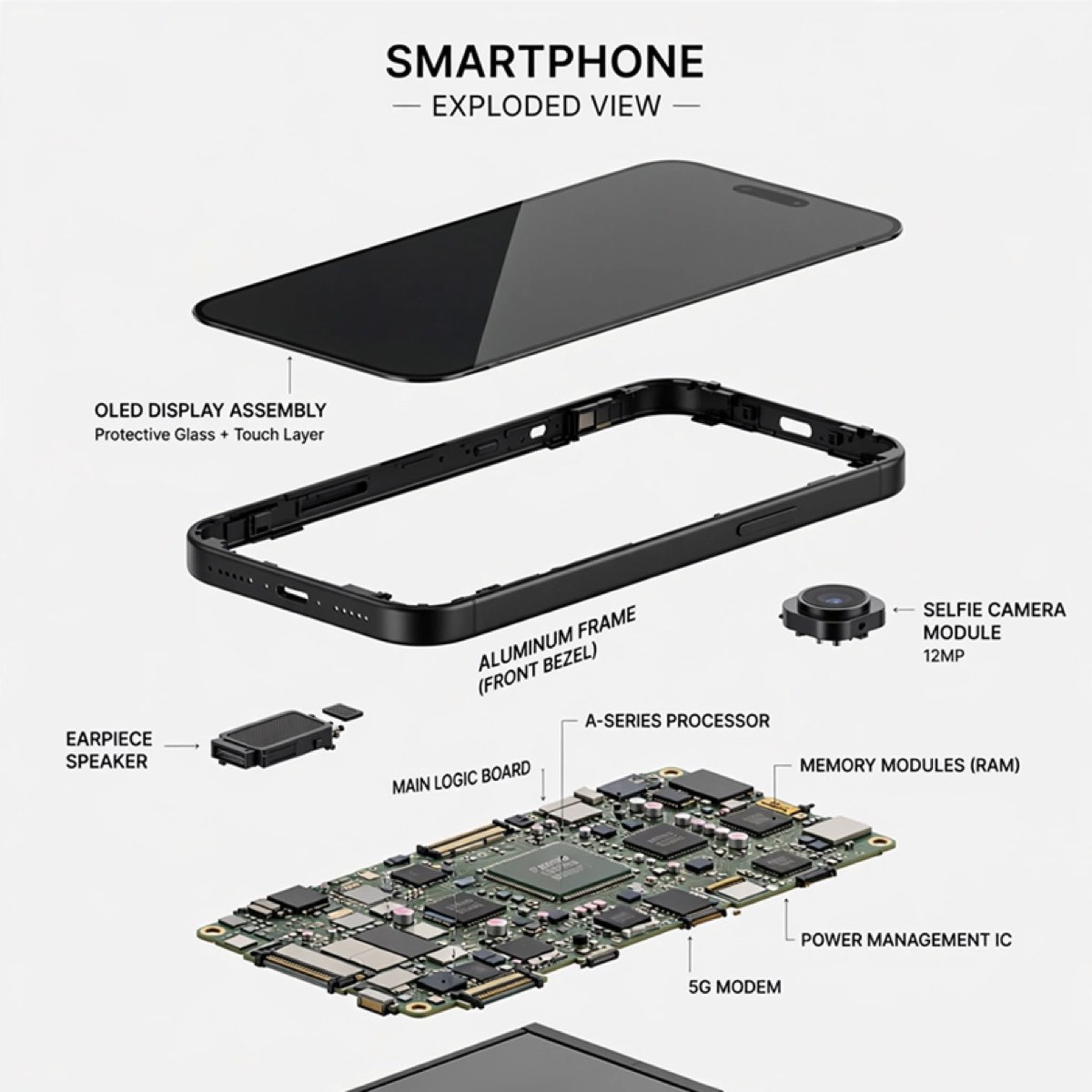
Clean text & infographics
Official Meta Muse Image sample.
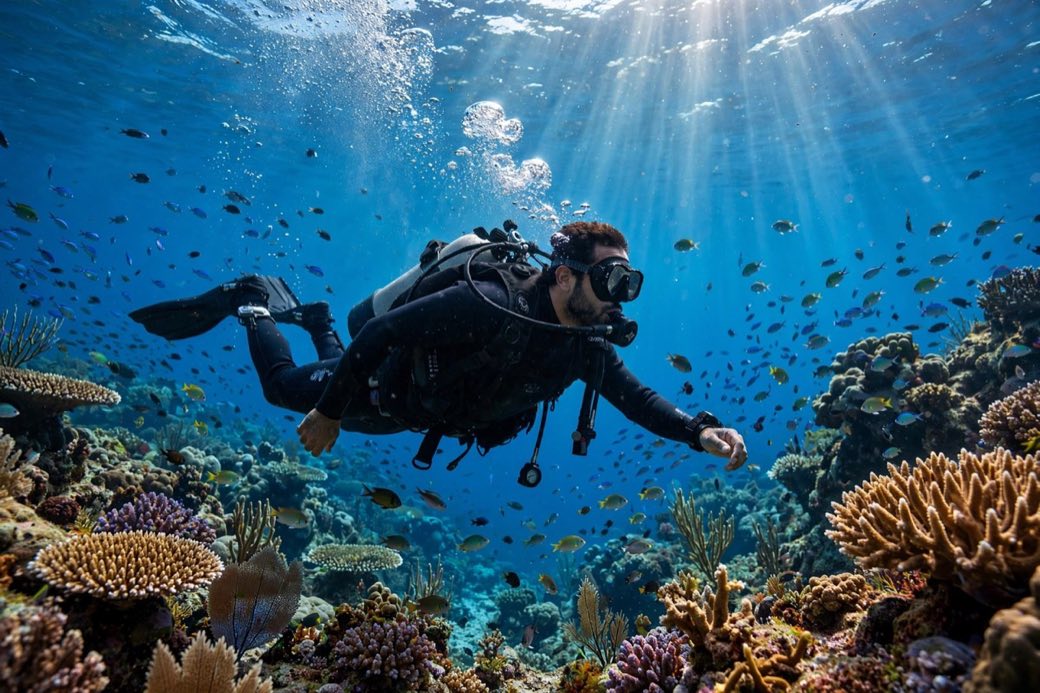
Photorealistic scenes
Official Meta Muse Image sample.
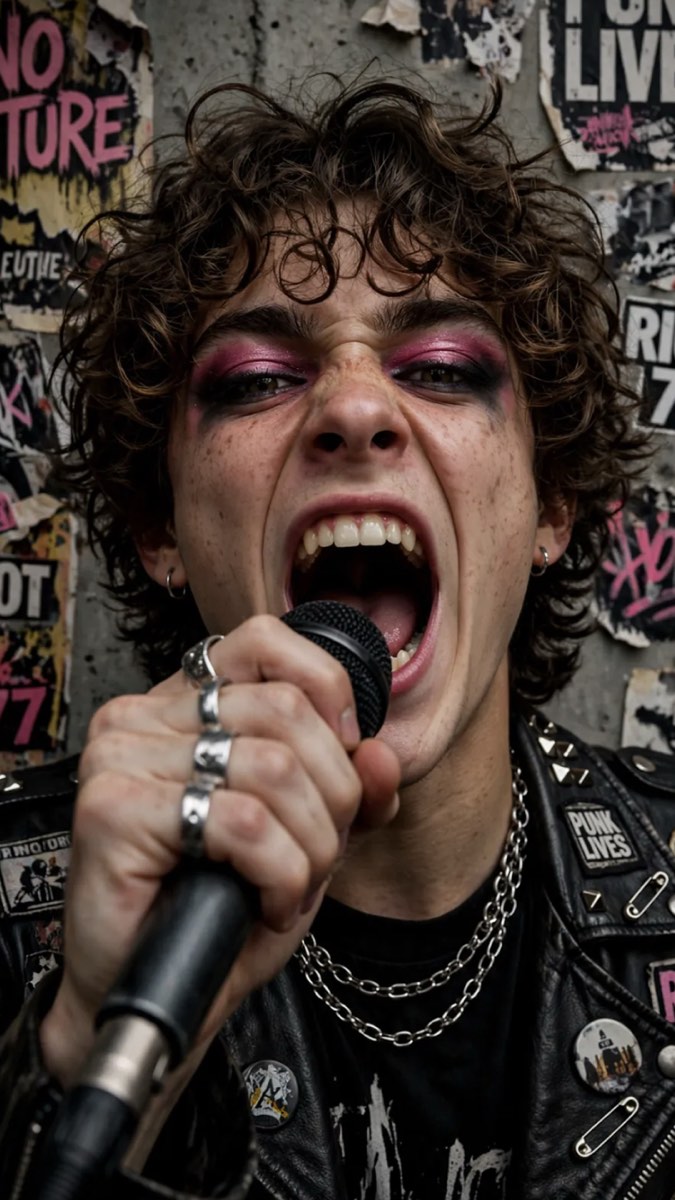
Expressive portraits
Official Meta Muse Image sample.
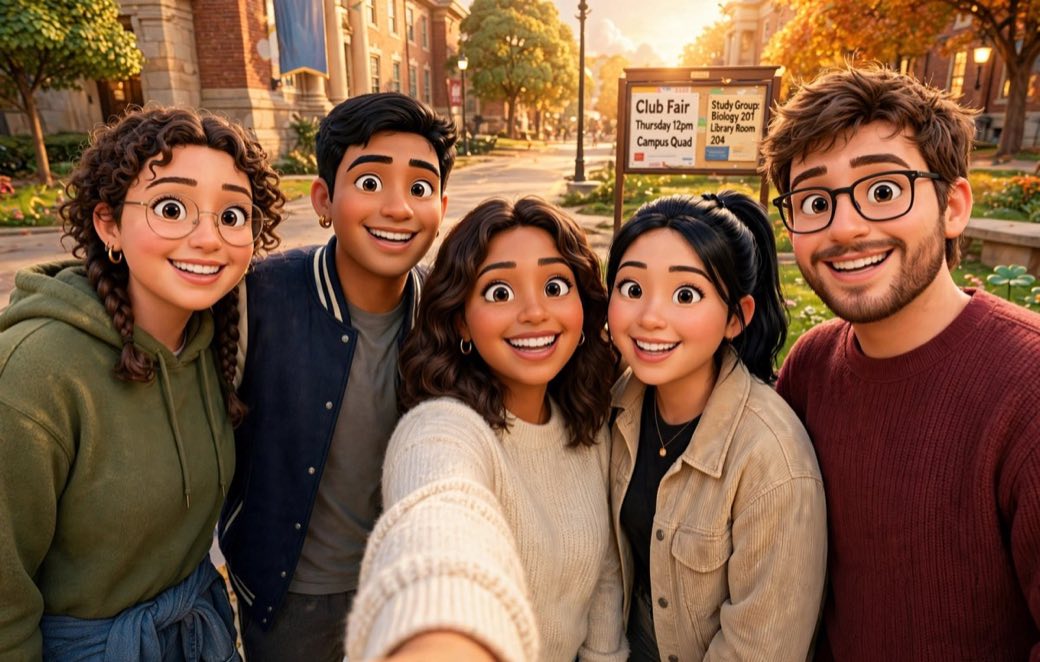
Social & group shots
Official Meta Muse Image sample.
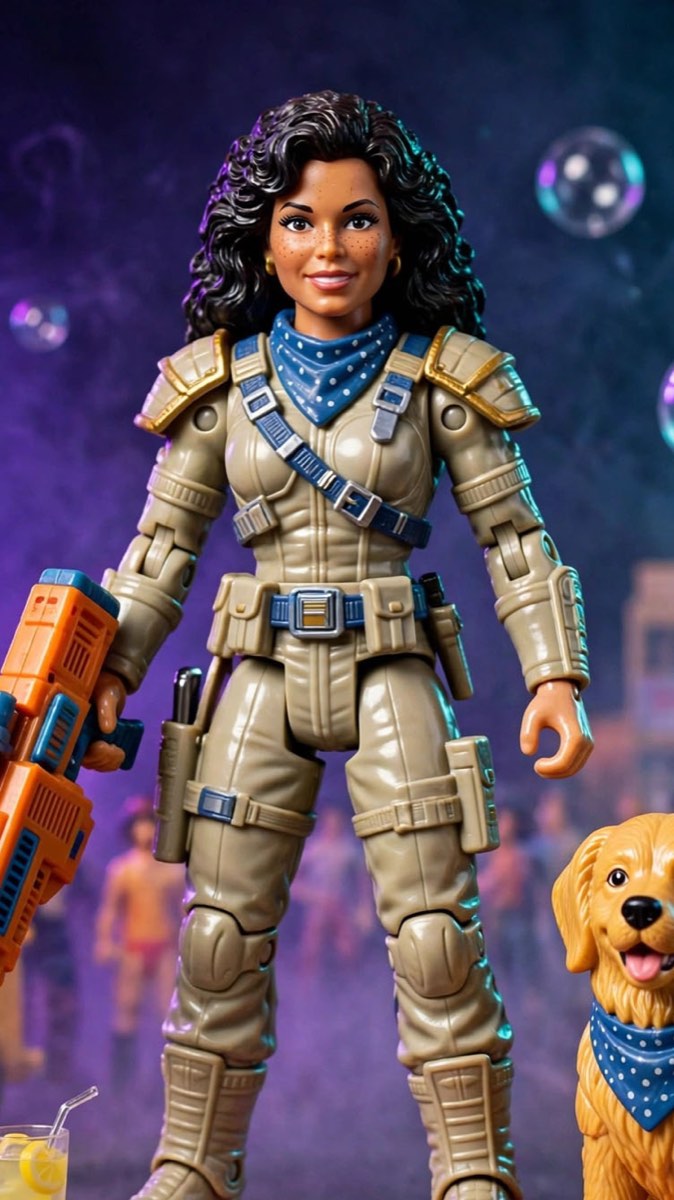
Playful & stylized
Official Meta Muse Image sample.

Interior & product visuals
Official Meta Muse Image sample.
How to use Muse Image in PixBulk
Open the generator
Start a generation in PixBulk and pick Muse Image as your model.
Describe or edit
Write a prompt in plain language, or mark up a photo to describe the change you want.
Generate & export
Let Muse Image plan and render your image, then download it or run it through PixBulk's bulk tools.
What makes Muse Image different
An agentic image model paired with Meta's Muse Spark.
Agentic generation
Muse Image thinks through your prompt first — planning layout, searching the web for context and blending multiple references before it renders.
Conversational editing
Change an image in plain language or by marking it up: remove objects, add elements, or place a subject somewhere new.
Clean in-image text
Renders legible text inside visuals, so how-to guides, infographics and even scannable QR codes come out readable.
Instagram @-mentions
In the Meta AI app you can @-mention public Instagram accounts to pull their profiles into a generated image.
Inside Muse Image
How it fits into Meta's model lineup and safety stack.
Paired with Muse Spark
It runs alongside Meta Superintelligence Labs' Muse Spark language model, which handles the multi-step planning behind each image.
Writes and runs code
As an agentic system it can search the web and execute code to improve accuracy, then self-correct its output.
Content Seal watermark
Every output carries an invisible Content Seal watermark that survives cropping, compression and resizing, with a detection tool at meta.ai.
Muse Video companion
Muse Image shipped alongside Muse Video, Meta's companion video model released as a preview on the same day.
Muse Image is Meta's first image model built entirely in-house, replacing the third-party models Meta previously licensed to power image features in its apps.
Muse Image vs other models
Where Muse Image lands against the leading image models.
| Model | Best for | Access | Maker |
|---|---|---|---|
| Muse Image | Agentic creation & in-app conversational editing | Meta apps (free) | Meta |
| Nano Banana 2 | Fast, balanced everyday generation | API & apps | |
| GPT Image 2 | Highest-fidelity generation and editing | API & apps | OpenAI |
Limits & things to know
An honest look at how and where you can use Muse Image.
Muse Image renders an invisible Content Seal watermark on every output that persists through cropping, compression and resizing.
In Meta's own apps it is free up to a generation limit, after which a Meta One subscription is required; availability is still rolling out by app and region.
Muse Image FAQ
What is Muse Image?
Muse Image is Meta's first in-house AI image generation model, built by Meta Superintelligence Labs. It is an agentic model that plans, searches, blends references and refines its output, with conversational editing and clean text rendering.
Who made Muse Image and when was it released?
It was built by Meta Superintelligence Labs (codenamed Mango) and launched on July 7, 2026, inside Meta AI, Instagram and WhatsApp.
Is Muse Image free?
Yes, up to a limit. Muse Image is free in the Meta AI app and website, WhatsApp and Instagram Stories; past the free generation limit you can wait for a reset or subscribe to Meta One, which starts at $7.99 a month.
How good is Muse Image compared to other models?
On Meta's internal benchmarks it beats Google's Nano Banana 2 while trailing OpenAI's GPT Image 2, and it ranked No. 2 on Arena for text-to-image and image editing at launch.
Can I edit photos with Muse Image?
Yes. You can edit conversationally — for example remove a photobomber or place yourself in front of a landmark — or tap a markup icon to circle and annotate the change directly on the image.
Does Muse Image add a watermark?
Yes. Every Muse Image output carries Meta's invisible Content Seal watermark, which persists through cropping, compression and resizing. Meta also offers a detection tool to check if an image is AI-generated.
Where can I use Muse Image?
Muse Image is available inside Meta's apps — Meta AI, Instagram and WhatsApp — and you can also try it in PixBulk's generator alongside PixBulk's bulk image tools.
Can Muse Image use my Instagram photos?
In the Meta AI app, users can @-mention public Instagram accounts and pull their photos into a generation. This is on by default for public profiles; Meta provides an account setting to opt out.
Generate with Muse Image in PixBulk
Try the model in PixBulk, then run your results through bulk resize, compress, rename and export.
Try it in PixBulk