
OpenAI's GPT Image 2.5 family on PixBulk

GPT Image 2.5 Sunburst Image Generator

Use OpenAI's most capable GPT Image 2.5 model for precise generation and demanding image edits. Build polished product, campaign, and design assets with detailed prompts, multiple references, and explicit output controls.

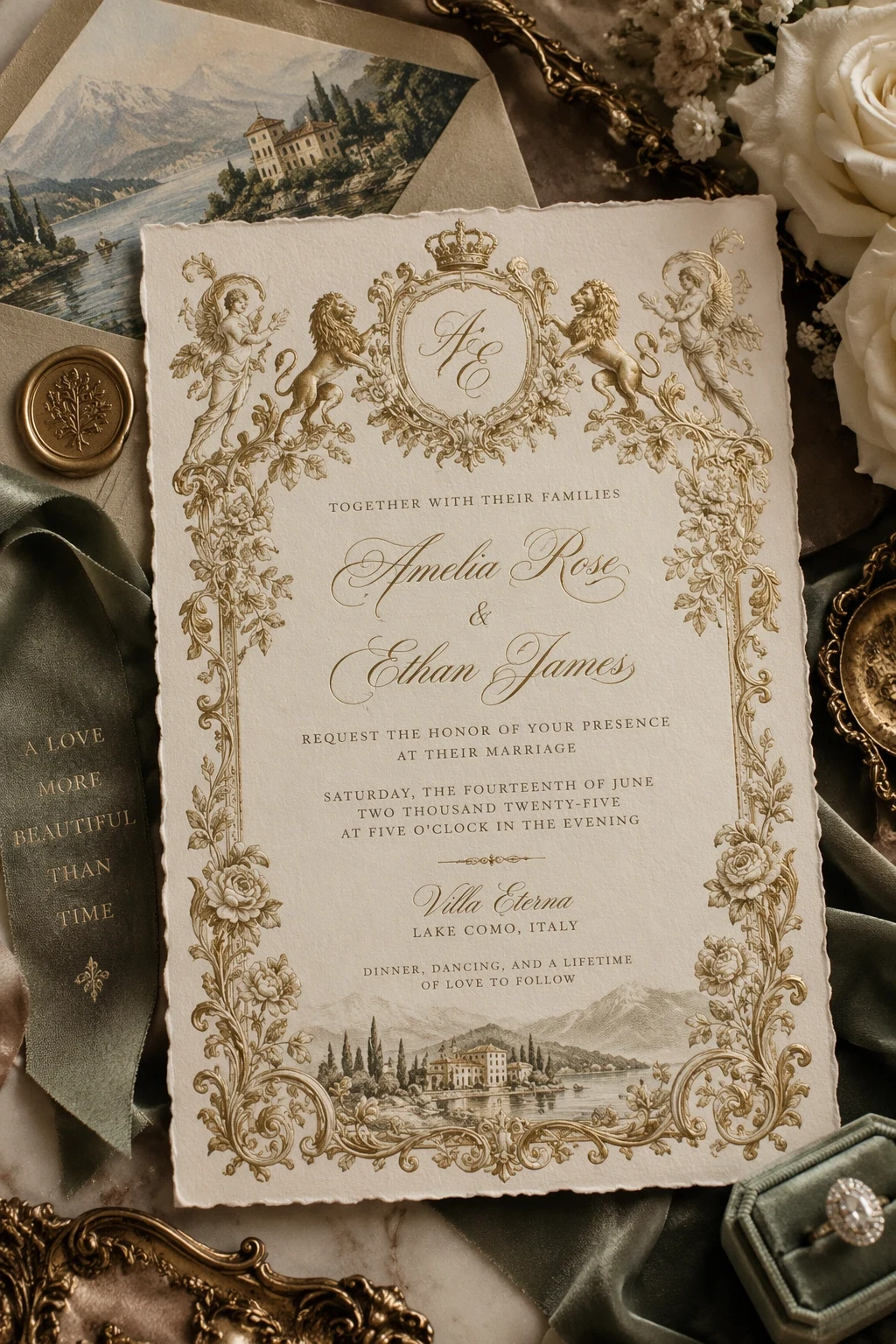
An elegant wedding invitation concept created with GPT Image 2.5 Sunburst
Official GPT Image 2.5 family showcase imagery. Results vary by prompt, references, and settings.

GPT Image 2.5 Sunburst で作成

GPT Image 2.5 Sunburst が初期選択されています。ここでプロンプトと任意の参照画像から1枚を生成できます。Variations、CSV、Products が必要な場合は一括生成画面を開いてください。

画像生成ツールを読み込み中…

Model overview

What is GPT Image 2.5 Sunburst?

Sunburst is OpenAI's most capable image generation and editing model, intended for precise, premium workflows where fidelity matters more than the shortest wait.

OpenAI describes Sunburst as the stronger choice for creators, agencies, brands, and developers who need refined product imagery, controlled campaign assets, or sophisticated edits. It is designed to follow complex visual instructions and preserve important reference details more reliably.

In PixBulk, Sunburst uses the same practical workspace as Flare: text prompts, multiple reference images, quality levels from Low through Max, three canvas shapes, background behavior, output format, and multi-image generation. Its value appears when the brief includes tight composition, identity, product, typography, or edit constraints.

開発元
OpenAI
モデル ID
gpt-image-2.5-sunburst
出力解像度
1K / 2K / 4K
参照画像
対応、最大 16 枚
1 枚あたりのクレジット
1–246
アスペクト比
1:1, 2:3, 3:2, 3:4, 4:3, 9:16, 16:9, 5:4, 4:5, 2:1, 1:2, 21:9, 9:21, 3:1, 1:3

Precision for polished visual work

Sunburst is built for briefs where several details must work together and a small error can undermine the final asset.

Compose typography and design systems

Create invitations, posters, product cards, packaging concepts, and information-rich layouts with explicit copy, hierarchy, spacing, ornament, and material direction. Always proofread generated text before delivery.
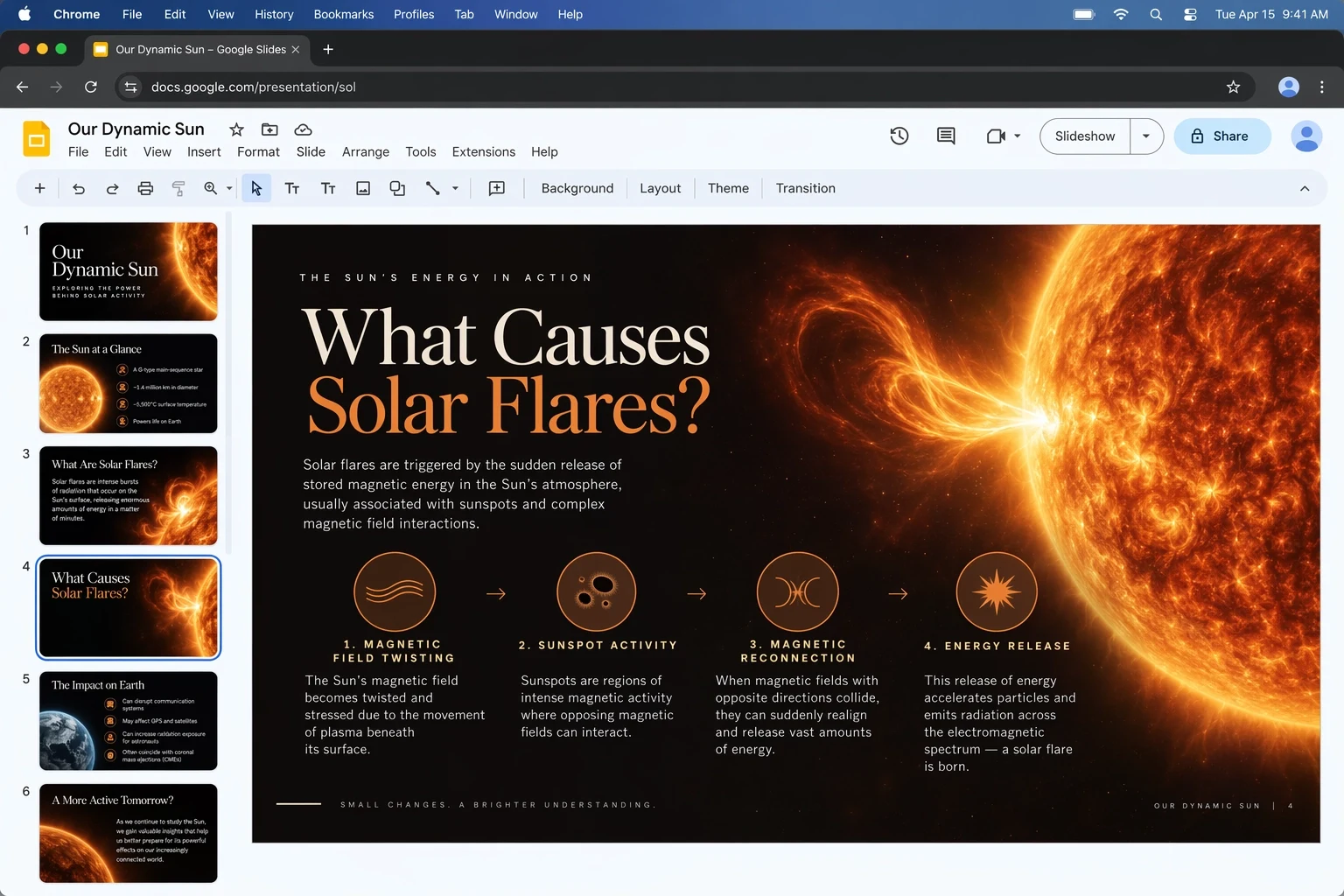
A designed presentation generated by GPT Image 2.5 Sunburst

Preserve subjects across complex edits

Use references to anchor identity, products, objects, or visual language while changing another part of the scene. Tell the model which attributes are immutable and which can be reinterpreted.

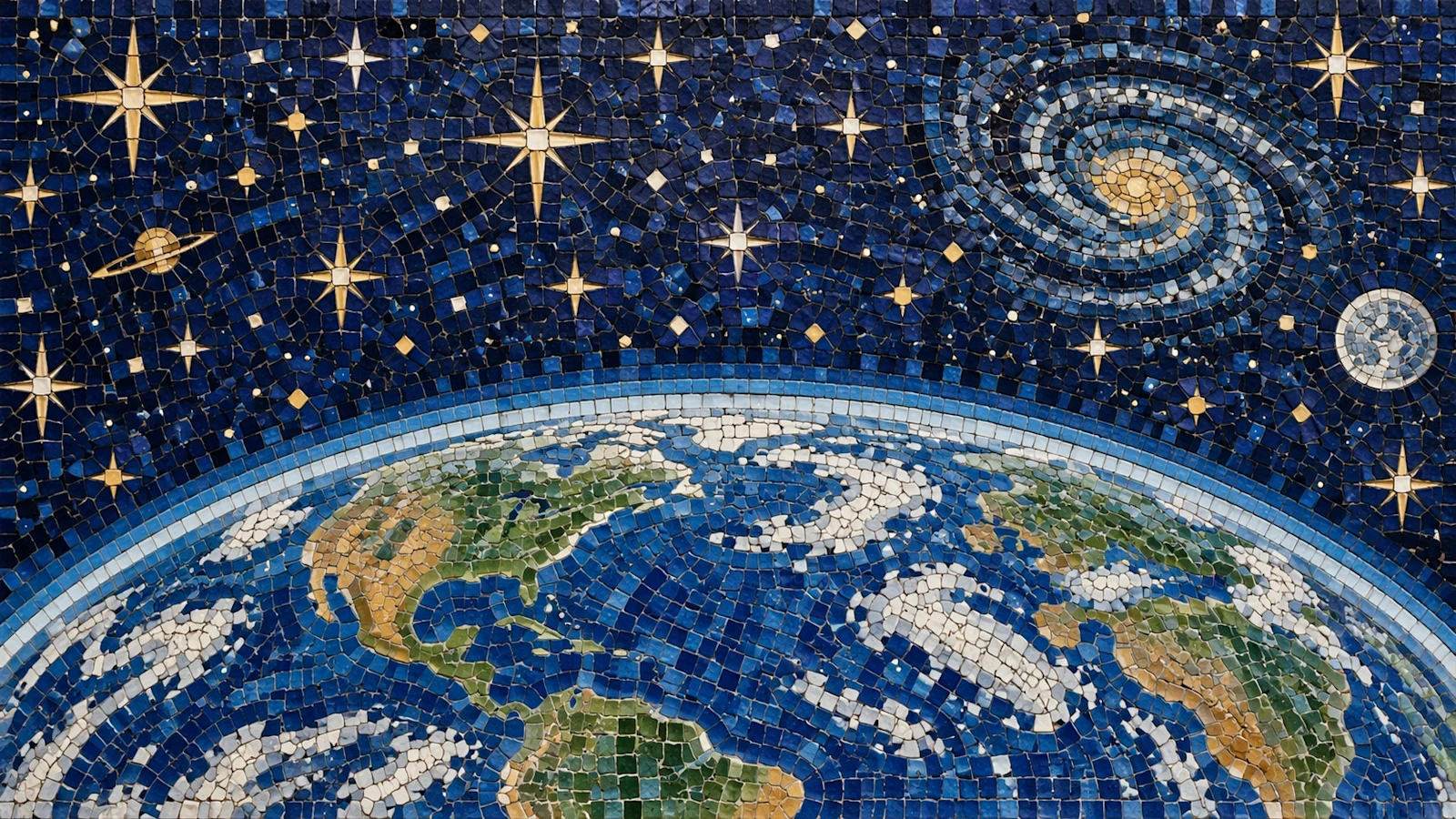
A detailed mosaic portrait generated by GPT Image 2.5 Sunburst

Resolve layered art direction

Combine setting, pose, wardrobe, camera, light, material, color, and graphic constraints in one brief. Sunburst is the better family member when those instructions must be reconciled with high visual fidelity.

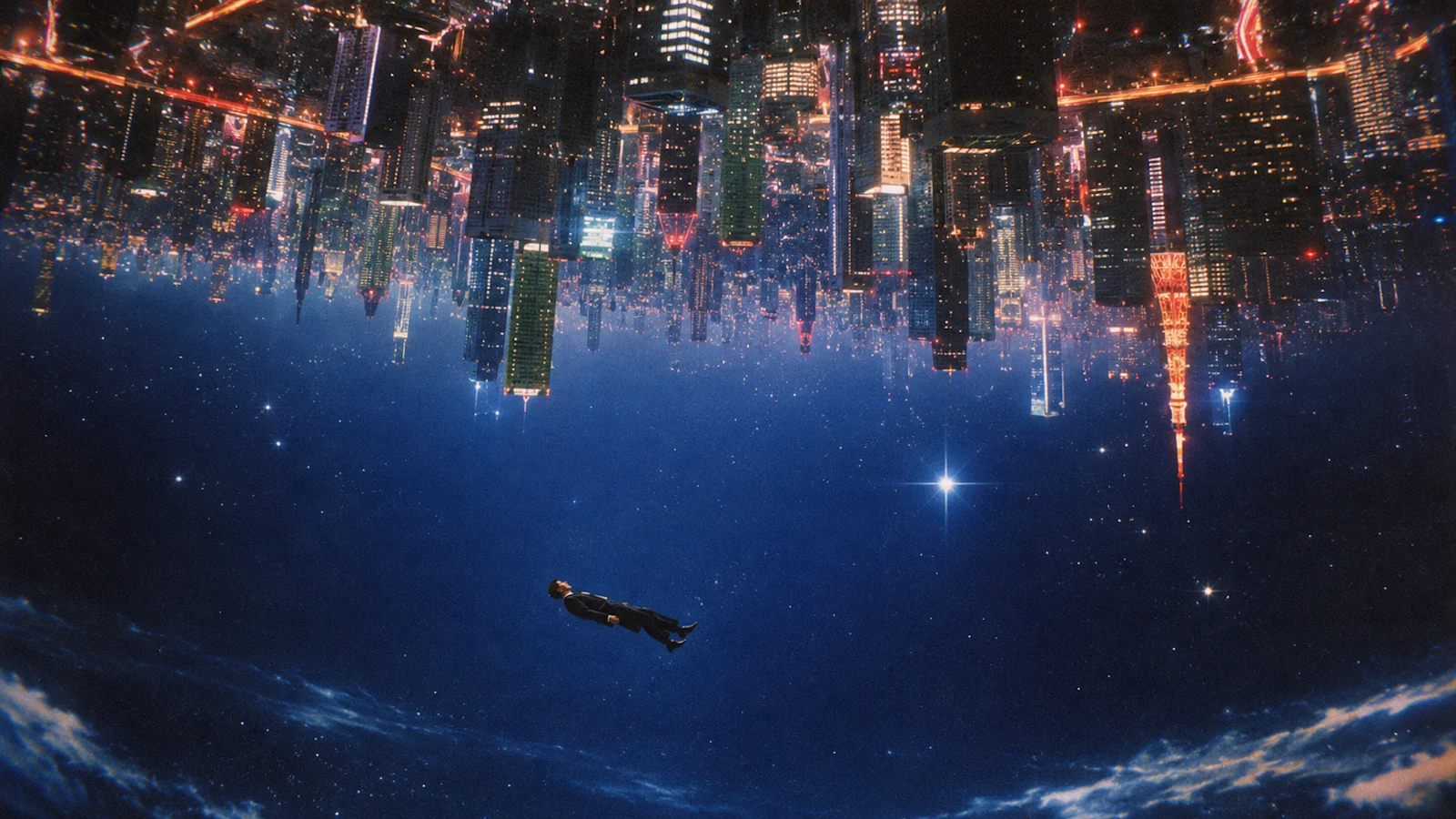
A surreal science-fiction scene generated by GPT Image 2.5 Sunburst

Finish premium product and campaign assets

Escalate an approved direction to Sunburst when the final result needs careful materials, believable lighting, controlled brand details, and fewer compromises across the composition.

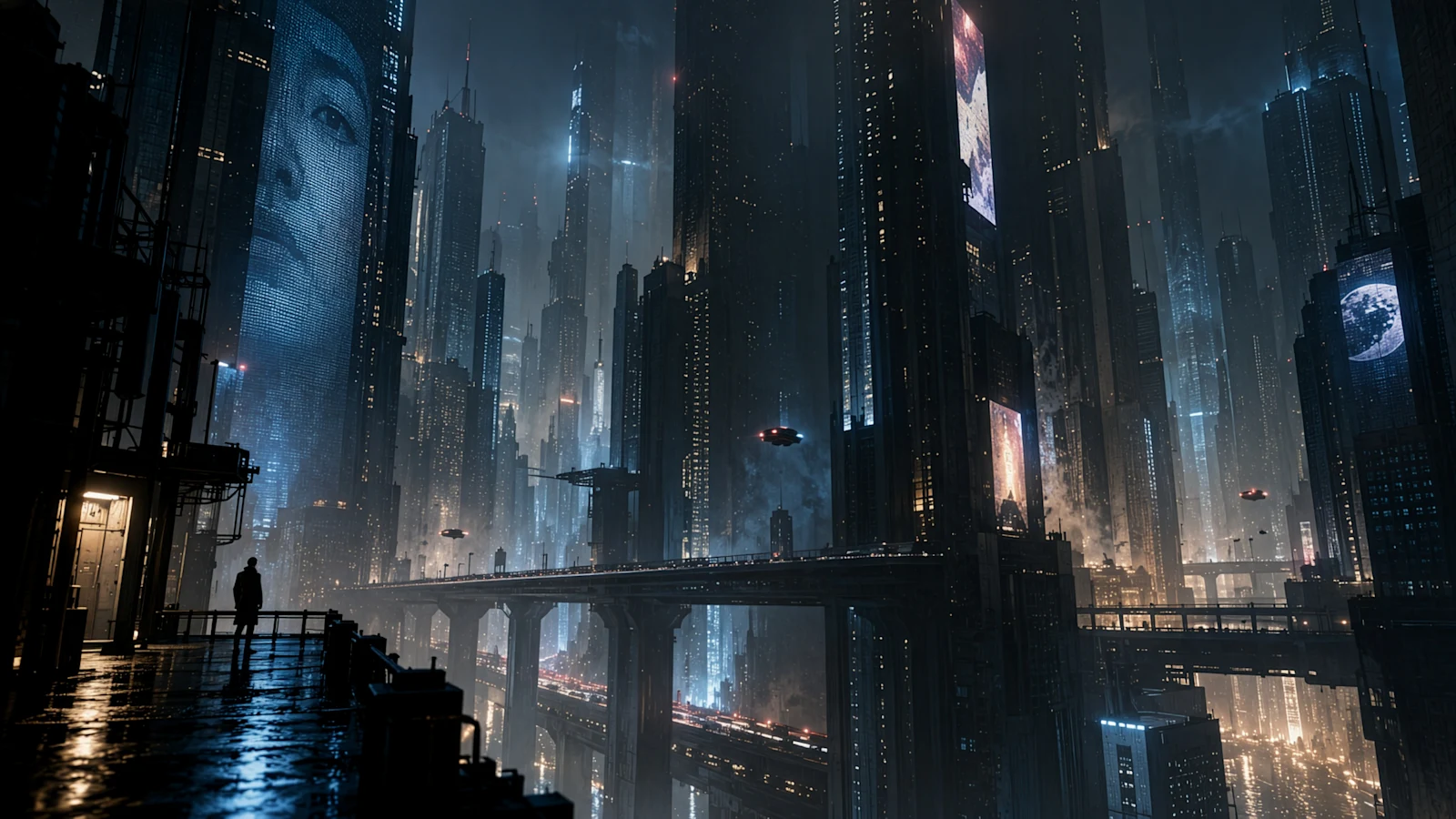
A cinematic cyberpunk campaign visual made with GPT Image 2.5 Sunburst

Make targeted edits without rebuilding the image

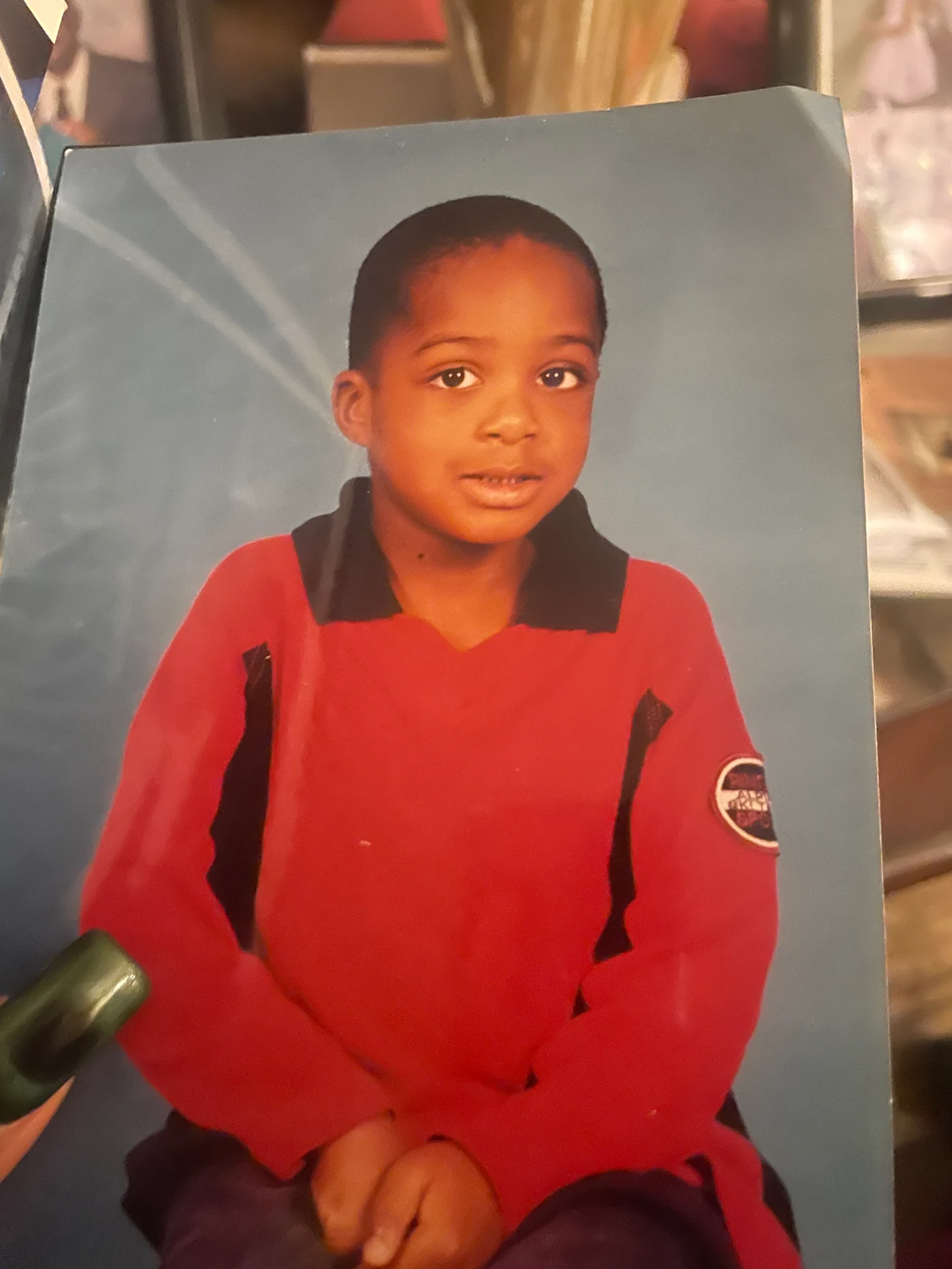
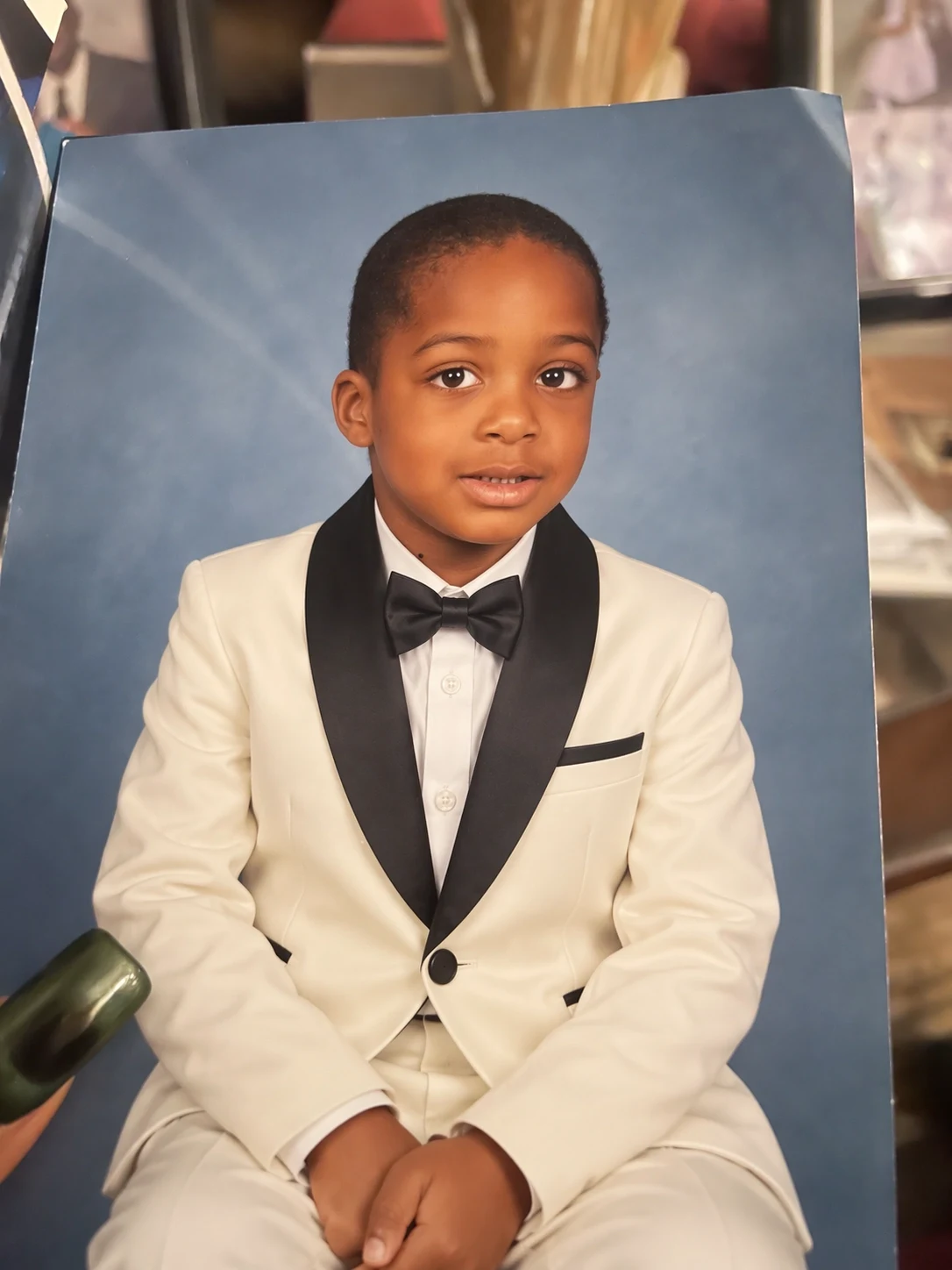
Sunburst is designed for editing precision. Supply the source and any supporting references, identify the protected details, then describe the exact replacement, addition, removal, restyling, or environmental change.

Original portrait before a GPT Image 2.5 Sunburst edit
Before
Portrait after a precise environment edit with GPT Image 2.5 Sunburst
After
Example edit instruction

Keep the person, facial identity, pose, expression, and crop unchanged. Replace only the environment with an elegant reception setting, match the original depth of field, and add warm practical lights with physically believable reflections.

Where Sunburst earns the extra time

Choose Sunburst when the deliverable is close to final and the cost of an imprecise edit or missed instruction is higher than the value of faster iteration.

A polished cyberpunk product campaign visual created with GPT Image 2.5 Sunburst

Premium product imagery

Develop controlled hero shots, campaign settings, packaging concepts, and material-rich product scenes from a detailed brief and reference set.

A refined wedding invitation generated by GPT Image 2.5 Sunburst

Brand and campaign finals

Translate an approved concept into refined assets where the composition, palette, visual identity, copy, and subject treatment must feel intentional together.

A surreal mosaic artwork generated by GPT Image 2.5 Sunburst

High-control image editing

Change one part of an existing visual while protecting identities, products, poses, or other important elements named in the instruction.

How to prompt GPT Image 2.5 Sunburst

Treat the prompt as an art-direction document: define the goal, establish constraints, and separate protected details from requested changes.

Prompt formula

Goal + subject + protected details + requested changes + composition + camera + lighting + materials + exact text + output context

Example prompt

Create a vertical luxury skincare campaign featuring the supplied amber bottle, preserve its exact silhouette, cap, label colors, and logo placement, center it on wet charcoal stone, close three-quarter camera angle, cool dawn backlight with warm rim reflections, subtle mist and water beads, generous negative space above for campaign copy, photoreal materials, restrained premium art direction.

1

Separate keep from change

For edits, list protected identity, product, pose, framing, and brand details before explaining the transformation.

2

Assign every reference a role

Say which image provides the subject, product geometry, palette, composition, texture, or environmental direction.

3

Write spatially

Use position, scale, depth, crop, negative space, lens, and viewing-angle language to make the intended composition testable.

4

Reserve Max for final detail

Explore at a practical tier, then increase quality after the composition and art direction are stable enough to justify the added credits.

GPT Image 2.5 Sunburst 画像生成ツールの使い方

同じ 3 ステップで単体制作と一括制作に対応できます。

1

このモデルから始める

GPT Image 2.5 Sunburst は最初から選択済みです。プロンプトを入力し、必要に応じて対応する参照画像を追加できます。大きな作業には一括生成画面を利用してください。

2

指示と出力を設定

被写体、状況、制約を記述し、GPT Image 2.5 Sunburst が対応する比率と解像度を選びます。対応時のみ参照画像を追加します。

3

生成して確認

GPT Image 2.5 Sunburst の結果を比較し、必要な指示だけを調整します。完了した作業は履歴に保存されます。

GPT Image 2.5 controls in PixBulk

These are the settings currently exposed by the PixBulk integration. The generator remains the source of truth if provider capabilities change.

SettingAvailable choices
QualityLow, Medium, High, XHigh, Max
Canvas shapeSquare (1024 × 1024), portrait (1024 × 1536), landscape (1536 × 1024)
BackgroundAuto, opaque, transparent
Output formatPNG, JPEG, WebP
Images per request1–4 images
Reference imagesMultiple images, subject to the current model input limit

Flare vs. Sunburst: which model should you use?

Sunburst and Flare expose the same core controls in PixBulk. Sunburst is the precision-first option; Flare is the faster default for ideation, everyday generation, and larger iteration loops.

ModelBest forPrimary tradeoff
GPT Image 2.5 FlareRapid concepts, social assets, product drafts, high-volume creative iterationOptimized for speed rather than the family's highest precision
GPT Image 2.5 SunburstPrecise edits, premium product imagery, campaigns, demanding final assetsMore generation time for greater capability and control

Limits and production checklist

Use the model as part of a reviewed creative workflow. Quality settings improve rendering effort, but they do not replace a clear brief or human approval.

Sunburst can take longer than Flare. Use it when precision is worth the wait, not automatically for every early concept.

Even strong reference preservation is not a guarantee. Verify faces, products, logos, labels, geometry, and any detail that must match a source exactly.

Complex prompts can contain conflicting instructions. Prioritize constraints, remove ambiguity, and split a difficult transformation into focused passes when needed.

PixBulk exposes Low, Medium, High, XHigh, and Max. OpenAI also documents an Auto option, but it is intentionally not part of the current PixBulk selector.

GPT Image 2.5 Sunburst: よくある質問

利用方法、クレジット、入力、出力、一括生成、確認について説明します。

モデル情報の出典

機能情報は公式ベンダー資料と PixBulk 連携で使う API 文書に基づきます。

GPT Image 2.5 Sunburst で制作を始める

GPT Image 2.5 Sunburst が選択された生成ツールを開き、指示と形式を設定して、同じ画面で確認可能な結果を作成します。

このモデルで生成